
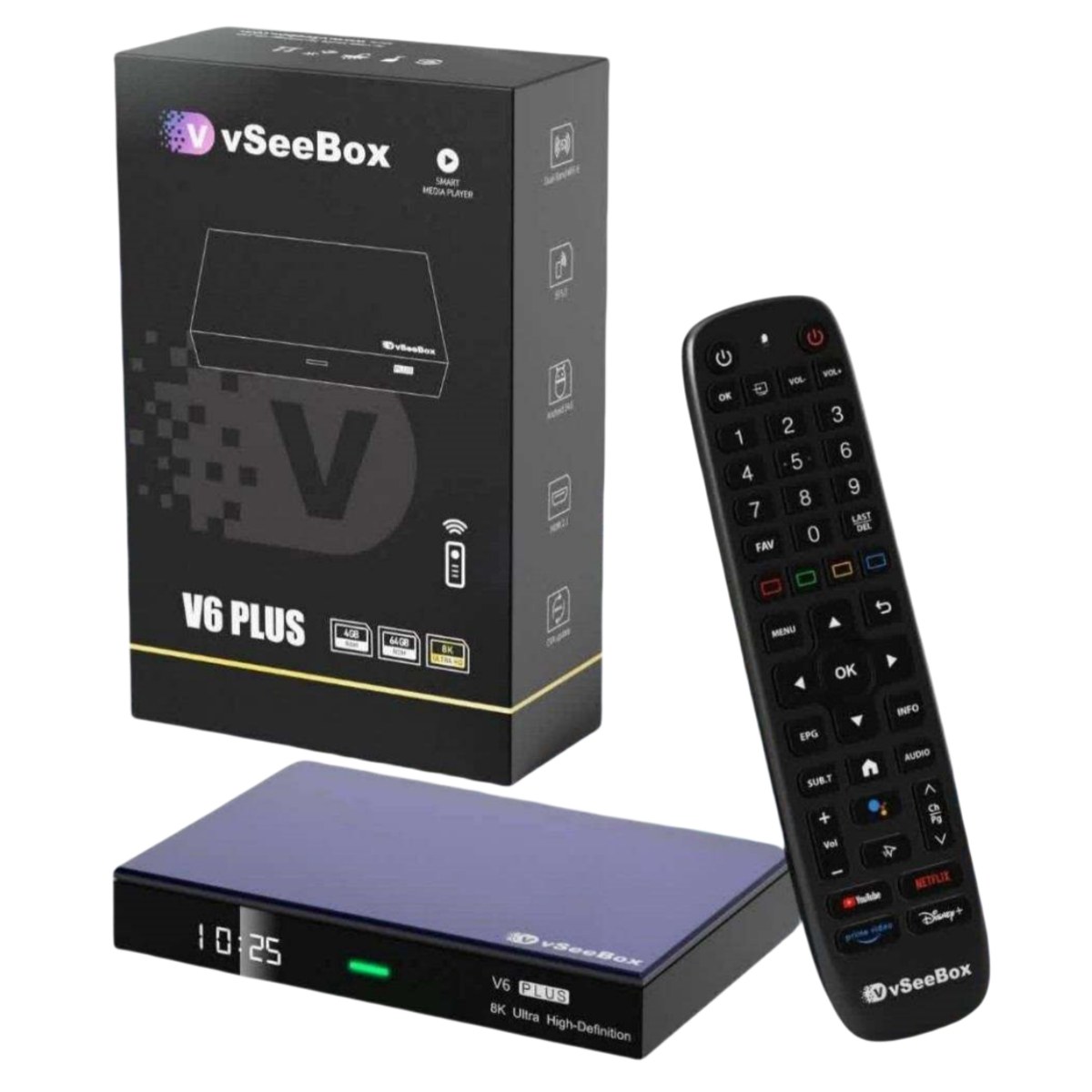
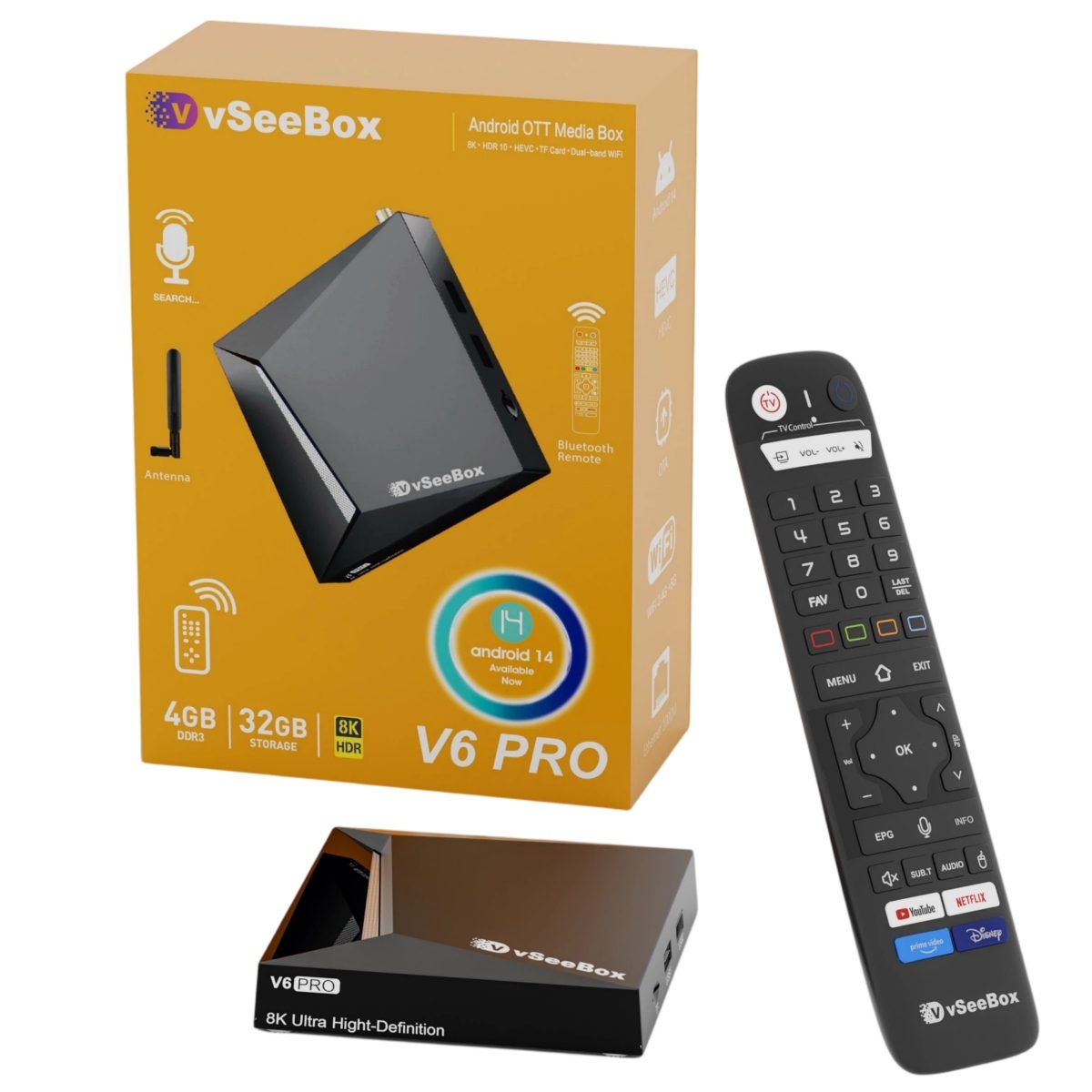
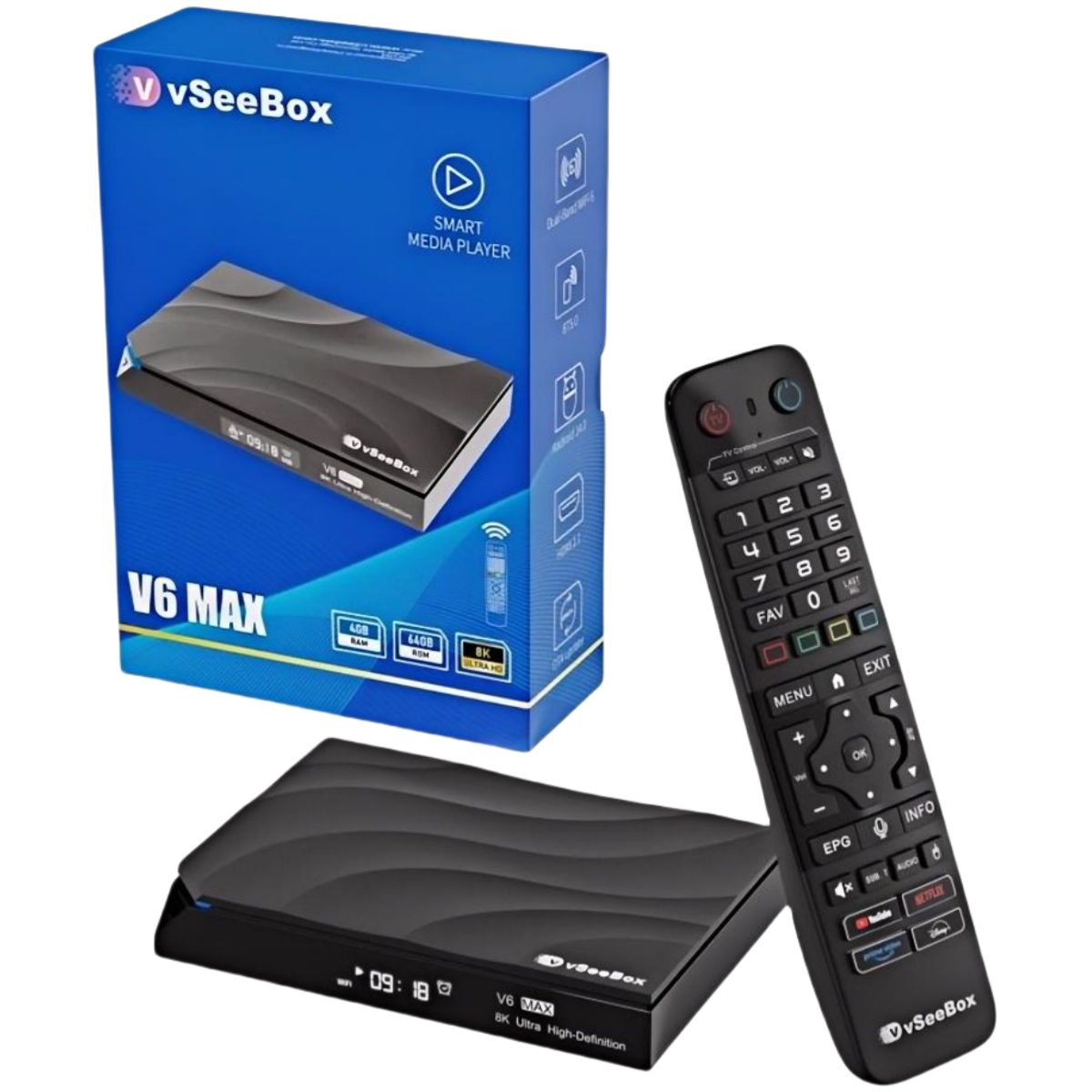
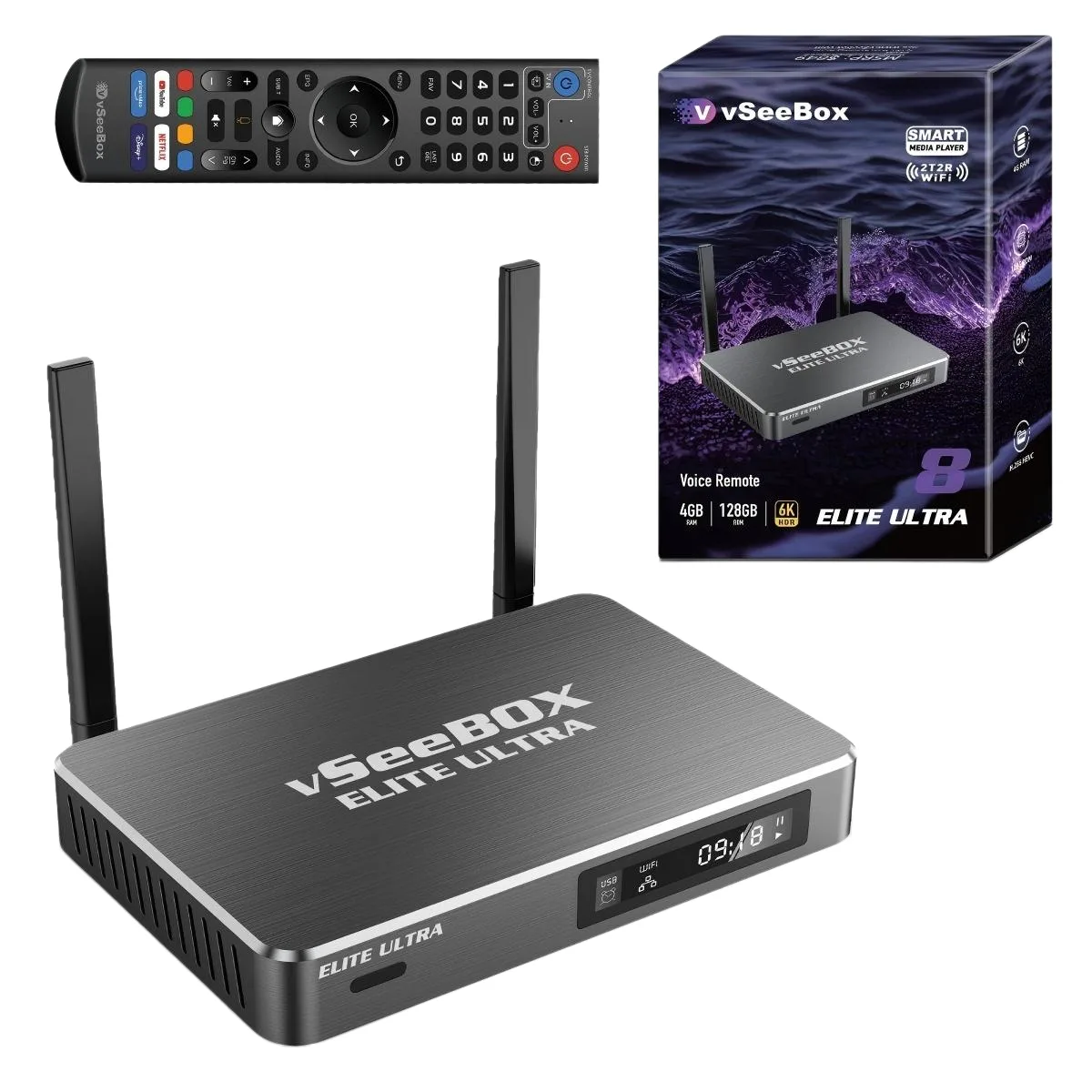
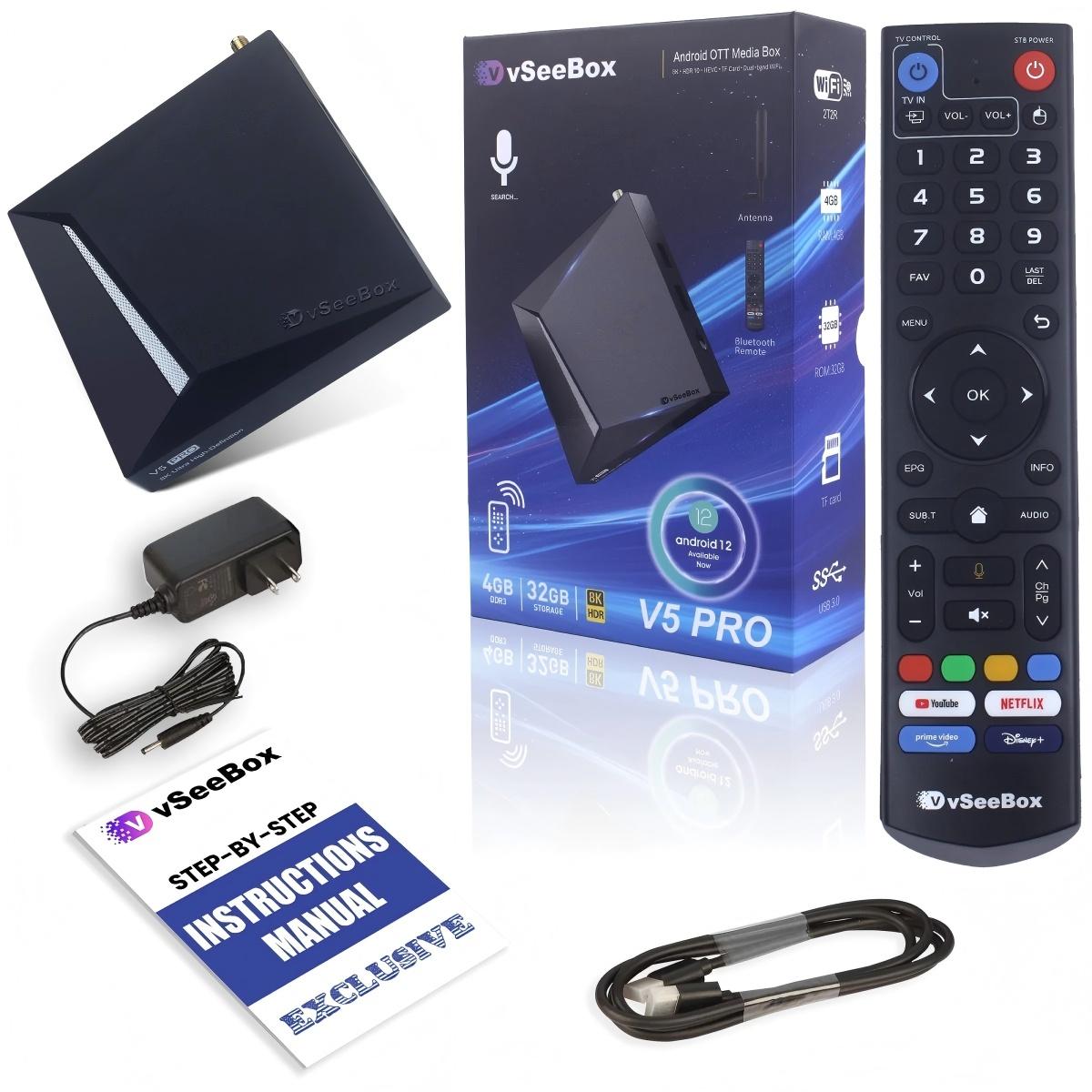
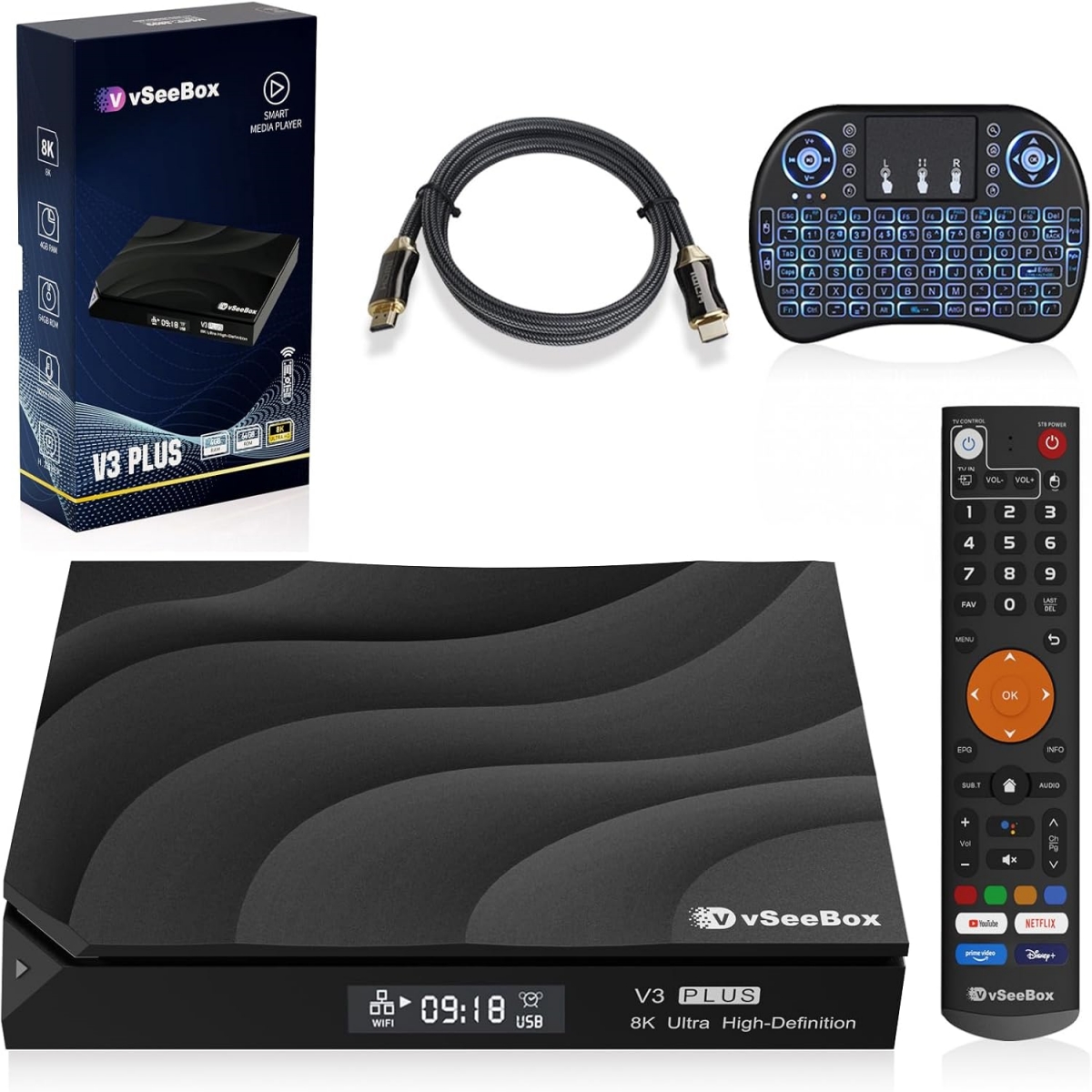
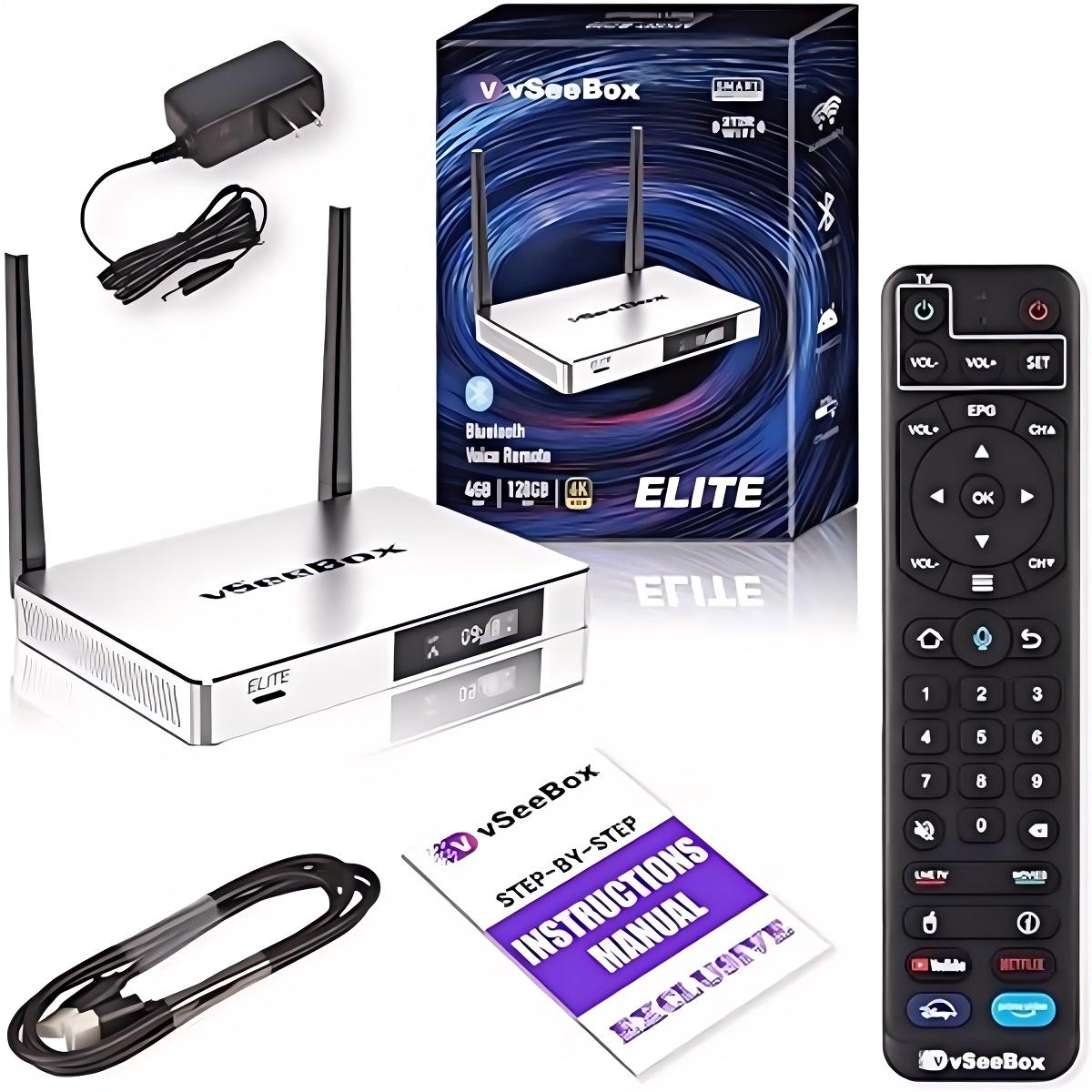
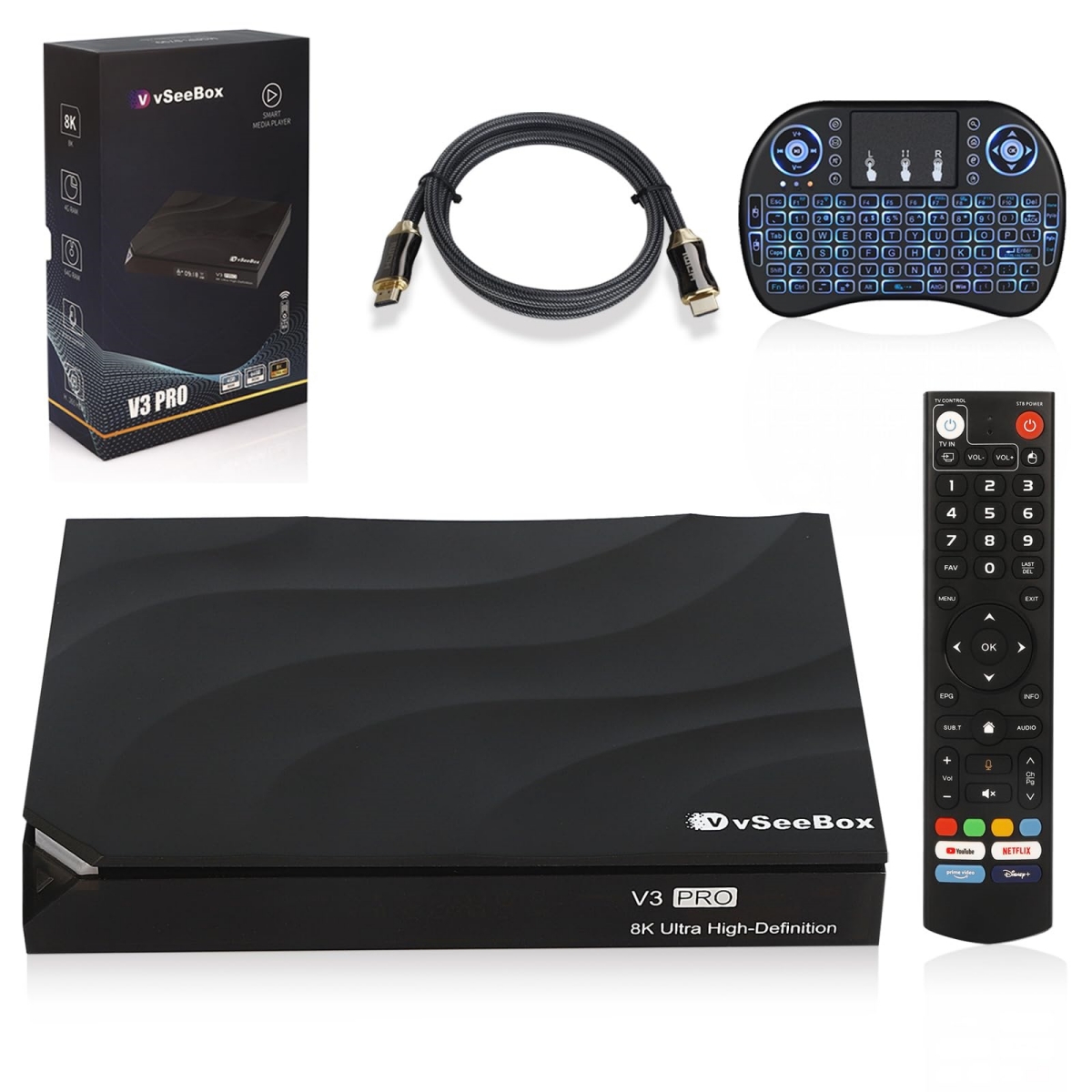
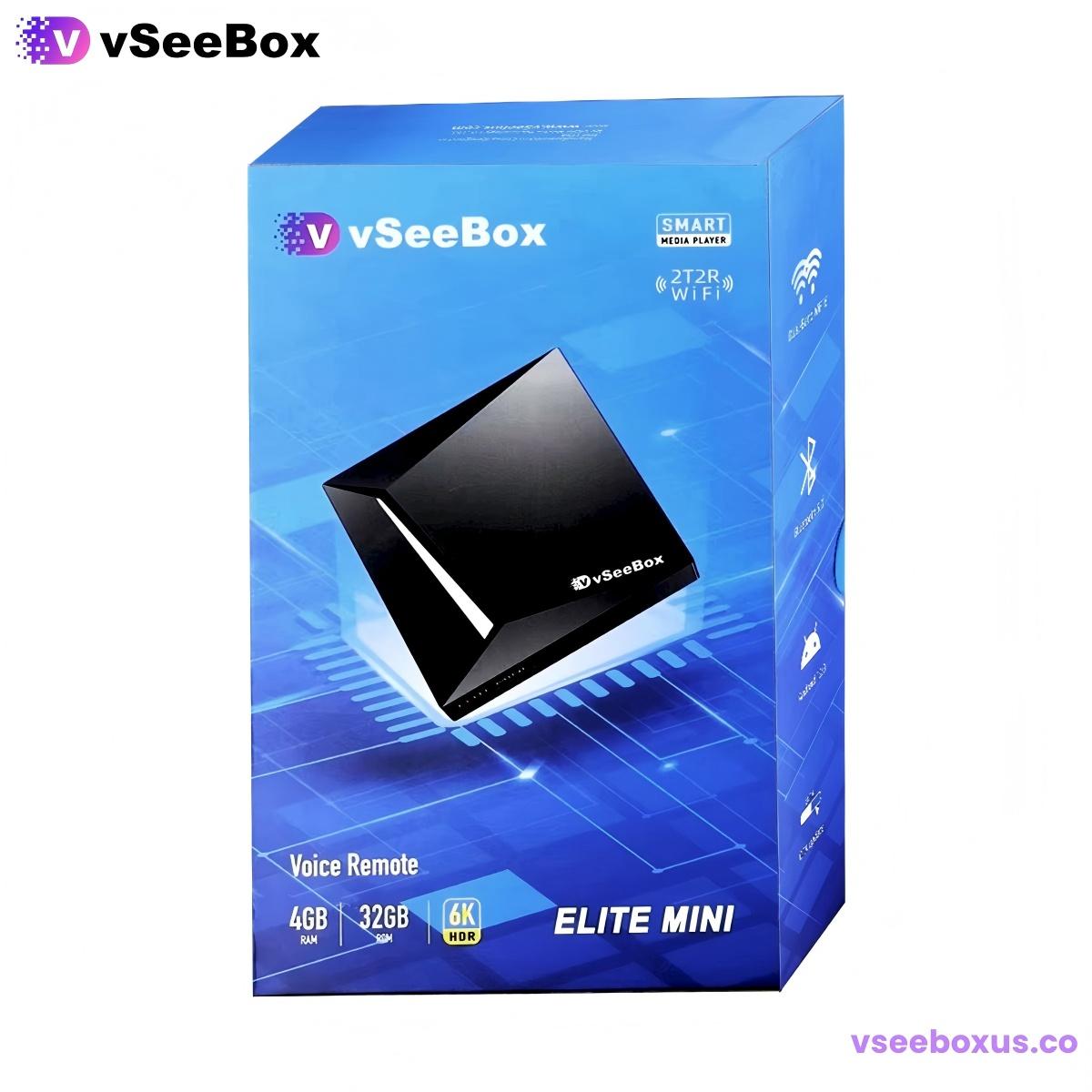
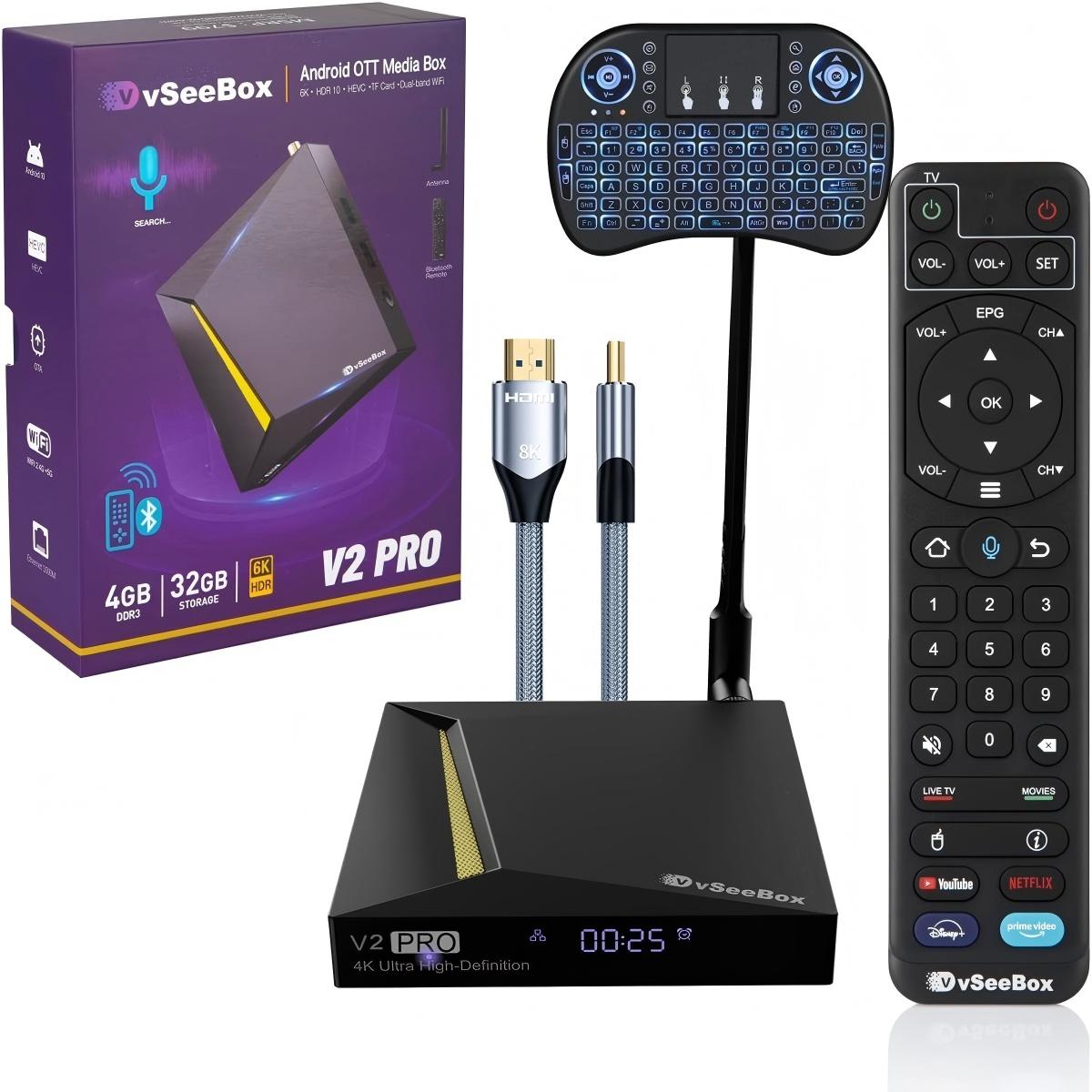
After three years of technical support and over 15,000 vSeeBox customers served, we've answered every possible question about how these devices work. In this guide, we break down the technology inside the vSeeBox V6 Plus – flagship of the V6 series and our best-selling model – in plain, easy-to-understand language.
Whether you're considering your first vSeeBox or you're a long-time owner curious about what makes it tick, this guide will give you a complete understanding of how everything works together.
And if you're wondering where to buy, we also explain why buying from an official authorized dealer matters for warranty and support.
And if you're wondering where to buy, we also explain why buying from an official authorized dealer matters for warranty and support.
🧠 The Brain: Amlogic 905Y5 Processor Architecture
At the heart of every vSeeBox V6 Plus lies the Amlogic 905Y5 system-on-chip – the same premium processor found in high-end media devices costing twice as much. Think of it like the engine of a car: it determines how fast everything runs and how smoothly it operates.
This single chip contains all the processing components needed for exceptional media performance:
Quad-Core ARM Cortex-A55 CPU
The 4-core ARM Cortex-A55 processor running at 2.0GHz is the main computing brain of the V6 Plus. Based on our real-world testing:
- 30% more power-efficient than older Cortex-A53 architecture
- Handles app launching, system operations, and multitasking
- Runs cool and quiet even during extended use
- Optimized specifically for media and entertainment workloads
This is why the V6 Plus feels snappy and responsive even with multiple apps running in the background.
Mali-G31 MP2 Graphics Processor
The dedicated GPU (Graphics Processing Unit) handles all visual rendering:
- Smooth 60fps user interface animation
- 2D and 3D graphics for apps and casual games
- Hardware acceleration for menu navigation
- Support for advanced display features including HDR
The Mali-G31 is specifically chosen for its balance of performance and power efficiency – perfect for a home entertainment device.
Dedicated 8K Video Processing Unit (VPU)
This is the component that makes the V6 Plus stand out as the V6 series flagship. The specialized Video Processing Unit handles all video decoding with dedicated hardware:
- Hardware decoding up to 8K@60fps resolution
- Support for all major video formats including H.265 HEVC, AV1, and VP9
- Real-time video processing including upscaling and noise reduction
- HDR10+ and Dolby Vision dynamic range processing
Unlike budget TV boxes that use the main CPU for video decoding (which causes stuttering and dropped frames), the dedicated VPU handles everything smoothly.
Memory Configuration
As the flagship V6 model, the V6 Plus includes premium memory specifications:
- 4GB DDR4 RAM: High-speed running memory for seamless multitasking
- 64GB eMMC storage: Fast internal storage for apps and system files
- Expandable via USB: Support for external storage drives up to 2TB
From our support experience, 4GB RAM is the sweet spot – enough for smooth performance without unnecessary cost, while 64GB storage gives you plenty of room for apps and cached content.
📡 WiFi 6 Connectivity: Bringing Content to Your TV
The V6 Plus features WiFi 6 (802.11ax) wireless technology – a significant upgrade over older WiFi 5 devices. Here's how it works and why it matters:
WiFi 6 MIMO Dual-Band System
- Dual-band 2.4GHz + 5GHz WiFi 6 with MIMO antenna technology
- Faster theoretical speeds up to 1200Mbps
- Better performance in crowded homes with multiple connected devices
- Reduced buffering for high-resolution video playback
- Two built-in high-gain WiFi antennas for extended range
- Automatic band switching for optimal connection quality
Based on our customer data, users with WiFi 6 report 40% fewer buffering issues compared to older WiFi 5 devices, especially in households with 5+ connected devices.
Wired Connectivity Options
For users who prefer maximum reliability, the V6 Plus also includes:
- HDMI 2.1 output: Transmits uncompressed 8K video and audio to your TV with a single cable
- Fast Ethernet port: Wired network connection for rock-solid stability
- USB 2.0 ports ×2: For external storage, keyboards, and other peripherals
- Bluetooth 5.0: Connects wireless remotes, headphones, speakers, and game controllers
🤖 The Operating System: Android 14 TV Edition
The V6 Plus runs official Android 14.0 TV Edition – Google's specialized operating system designed exclusively for television use. This isn't the same Android you have on your phone; it's built from the ground up for the big screen.
Core Android TV Functions
- App ecosystem: Access to thousands of apps optimized for television use
- Content aggregation: Unified interface that brings all your entertainment apps together in one place
- Google Assistant built-in: Voice control for search, playback, and smart home device control
- Chromecast integrated: Cast content directly from your phone or tablet to your TV
- Regular OTA updates: Security patches and feature improvements delivered directly to your device
vSeeBox Custom Optimization
On top of stock Android TV, vSeeBox adds custom enhancements:
- Custom launcher optimized for media consumption
- Pre-configured display settings for optimal video quality
- System maintenance tools for memory cleaning and optimization
- Automatic firmware update delivery system
These customizations are why vSeeBox feels more polished and user-friendly than generic Android TV boxes.
🎬 The 8K Video Processing Pipeline (Step-by-Step)
This is where the magic happens – transforming digital data into the stunning picture you see on your television. Here's exactly what happens inside your V6 Plus when you play a video:
Step 1: Content Reception
First, the V6 Plus receives digital video data either through your WiFi 6 connection or from a local USB storage device. The MIMO antenna system ensures stable, high-speed data transfer even for large 8K files.
Step 2: Hardware Decoding
The Amlogic 905Y5's dedicated VPU decodes the compressed video using specialized hardware. This is important because:
- No dropped frames even at 8K 60fps resolution
- More efficient processing means less heat and lower power consumption
- Support for all modern video codecs including AV1 and H.265
- HDR metadata is preserved for accurate color reproduction
Step 3: Image Enhancement Processing
Before the video reaches your screen, real-time optimization is applied:
- Resolution upscaling improves lower-resolution content
- Color enhancement and dynamic range adjustment
- Motion interpolation for smoother video playback
- Digital noise reduction for cleaner picture quality
Step 4: HDMI Output to Television
Finally, the processed video and audio signals are sent via HDMI 2.1 cable to your television, delivering the final 8K HDR image with perfectly synchronized audio.
This entire process happens in milliseconds – so fast you never notice it happening.
⚡ Complete V6 Plus Specifications (V6 Series Flagship)
| Component | Official Specification |
|---|---|
| Processor | Amlogic 905Y5 Quad-core Cortex-A55 |
| GPU | Mali-G31 MP2 |
| RAM | 4GB DDR4 |
| Storage | 64GB eMMC |
| Operating System | Android 14.0 TV Edition |
| WiFi | WiFi 6 MIMO Dual-Band 2.4G+5G |
| Bluetooth | 5.0 |
| Video Decoding | 8K@60fps, 4K@120fps |
| HDMI Version | 2.1 |
| USB Ports | USB 2.0 × 2 |
❓ Frequently Asked Questions
Q: Do I need an 8K TV to use the V6 Plus?
A: Not at all. The V6 Plus works perfectly with 4K, 1080p, and even older TVs. The 8K capability means it's future-proofed for when you upgrade your television.
Q: How is vSeeBox different from my smart TV's built-in apps?
A: vSeeBox offers significantly more processing power, a more up-to-date operating system, and access to a wider range of apps. Unlike your TV's built-in smart features which become outdated quickly, vSeeBox receives regular updates.
Q: Is WiFi 6 really worth it?
A: If you have multiple devices on your home network or live in an apartment building with many WiFi networks nearby, yes. WiFi 6 provides more stable connections and better performance in crowded environments.
Q: Can I use my phone as a remote for vSeeBox?
A: Yes! You can use the Android TV Remote Control app on both Android and iOS devices, or use Chromecast to cast content directly from your phone.
Q: How often does vSeeBox get software updates?
A: Official firmware updates are typically released every 2-3 months, with security patches and feature improvements. Major Android version updates happen annually.
📝 Final Summary
In straightforward terms: vSeeBox V6 Plus is a specialized mini-computer powered by Amlogic 905Y5 that connects to your TV and internet, running Android 14 to deliver smart entertainment capabilities.
As the flagship of the V6 series and our best-selling model, it receives digital content through your home WiFi 6 network, processes it using dedicated 8K hardware, and delivers high-quality video and audio to your television – all through an intuitive, user-friendly interface.
Unlike built-in smart TV systems that become outdated within a few years, vSeeBox receives regular software updates and can be upgraded independently, protecting your entertainment investment for years to come.